Outwalk your friends.
WalkOff turns your daily steps into a live competition with friends. Walk, use items to steal the lead, and see who finishes on top before the count resets at midnight.
Two steps. Then just walk.
Connect Apple Health
Sign in with Apple or email, then allow WalkOff to read your step count from Apple Health.
Add your friends
Find them by username or invite them from your contacts. Everyone you add walks the same path as you.
Then just walk
Your phone does the counting and you do the walking. At midnight Eastern the day resets.
One day. One opponent. More steps wins.
Challenge a friend to a 1v1. Both step counts update live, and the battle runs for 24 hours from the moment it starts. The higher count at the end takes the win.
-
Challenge a Friend
Pick anyone on your friends list.
-
Quick Match
Quick Match pairs you with someone near your Soles rating.
-
Soles and leagues
Your Soles decide your league. Win to earn them, lose and drop some.
-
Rematch and share
Ask for a rematch after a loss, or share the result card after a win.
Items change who wins.
Items spawn on your path each day. Use them on yourself, or on a friend.
Skateboard
Adds 750 steps to your count right away.
Energy Drink
Your next 30 minutes of real steps count one and a half times.
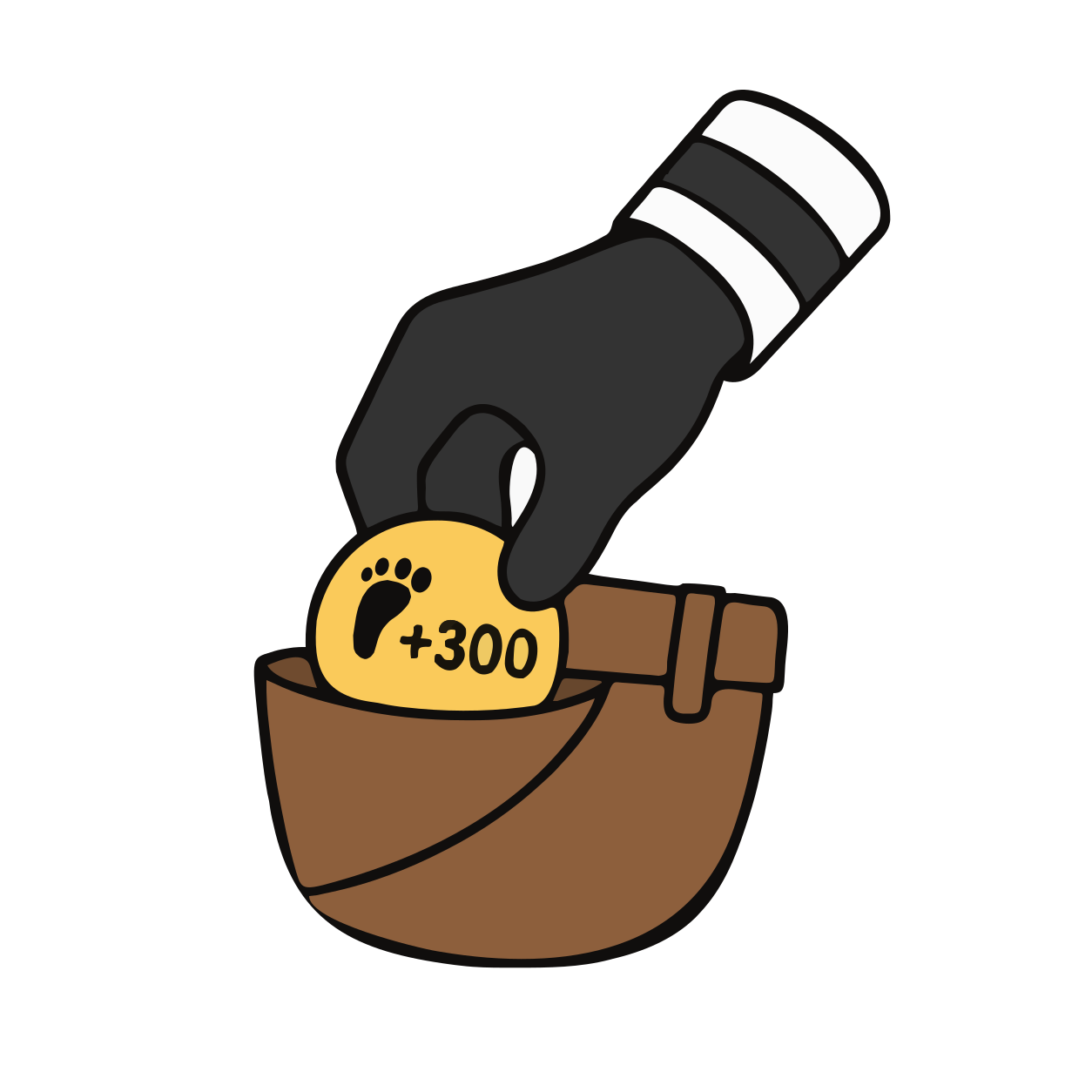
Pickpocket
Steal 300 steps from a friend.

Banana Peel
Their score drops by 1,000.
Rubber Soles
Blocks the next Banana Peel used on you.
Standings that reset every day.
Today, This Week, All Time, and Soles. Rankings count real steps plus item effects, so a well-timed Banana Peel shows up in the count.
-
Your rank is always visible
The count shows the top 50. If you are outside it, your own row is pinned at the end.
-
One clock for everyone
The day ends at midnight US Eastern no matter where you are. Nobody gets an extra hour.
-
Activity feed
See friends' wins, streaks, and item plays as they happen.
A new themed season every month.
Walk, win, and keep your daily streak to earn XP. XP moves you along the Path. Every tier pays out coins, items, Sneaker Drops, or a piece of the season's outfit.
- Season 1 is Gladiator, 30 tiers at 25 XP each
- The Chestplate is free at Tier 1
- A free track and a Pro track, side by side
- Season outfits never return to the shop
Open a Drop. Upgrade the rarity.
Every Drop starts at Rare and can upgrade up to Legendary over four taps. Legendary is the only way to get cosmetics from past seasons. You earn Drops from the Path, from your daily streak, and in the shop with coins.
Earn cosmetics and dress your bean.
More to earn every season.
Everything in WalkOff can be earned by walking. Pro adds a second track of rewards to every season, plus extras.
-
The Pro track
A second reward on every tier of the Path, alongside the free one. Outfit pieces, Sneaker Drops, coins and items.
-
Golden Frame
A band of gold around your avatar for as long as Pro is active.
-
5 wishlist slots
Track five shop items at once instead of one, and the daily shop is guaranteed to bring one around within the week.
-
All-time stats
Your placements and records for all time, not just the last week.
Monthly or annual, billed through Apple. Cancel any time in your Apple ID settings. Coin packs are optional and never required to play.
Which phones does WalkOff work on?
iPhone, with Apple Health. Android is not available yet.
When does the day end?
Midnight US Eastern, for everyone, every day. Standings, streaks, and item caps all reset at that moment. A battle is the exception: it runs 24 hours from the moment it starts.
Do I need to keep the app open?
No. Apple Health counts steps in the background. Open WalkOff to sync, use items, and check your battle.
What are Soles?
Soles are your battle rating. You start at zero, earn Soles when you win, and lose some when you lose. Your league is set by your Soles: Rookie, Walker, Strider, Pacer, Trailblazer, Champion, Legend.
Can I play without paying?
Yes. Every item and cosmetic in the shop can be bought with coins earned by walking. WalkOff Pro and coin packs are optional.
Where are the Sneaker Drop odds?
On the Drop Odds page, with the full reward table for every tier.
How do I delete my account?
Open Settings in the app and tap Delete account. That removes your profile, battle history, and step data.
How do I contact support?
Email [email protected]. There is also a Contact support button in the app's Settings.